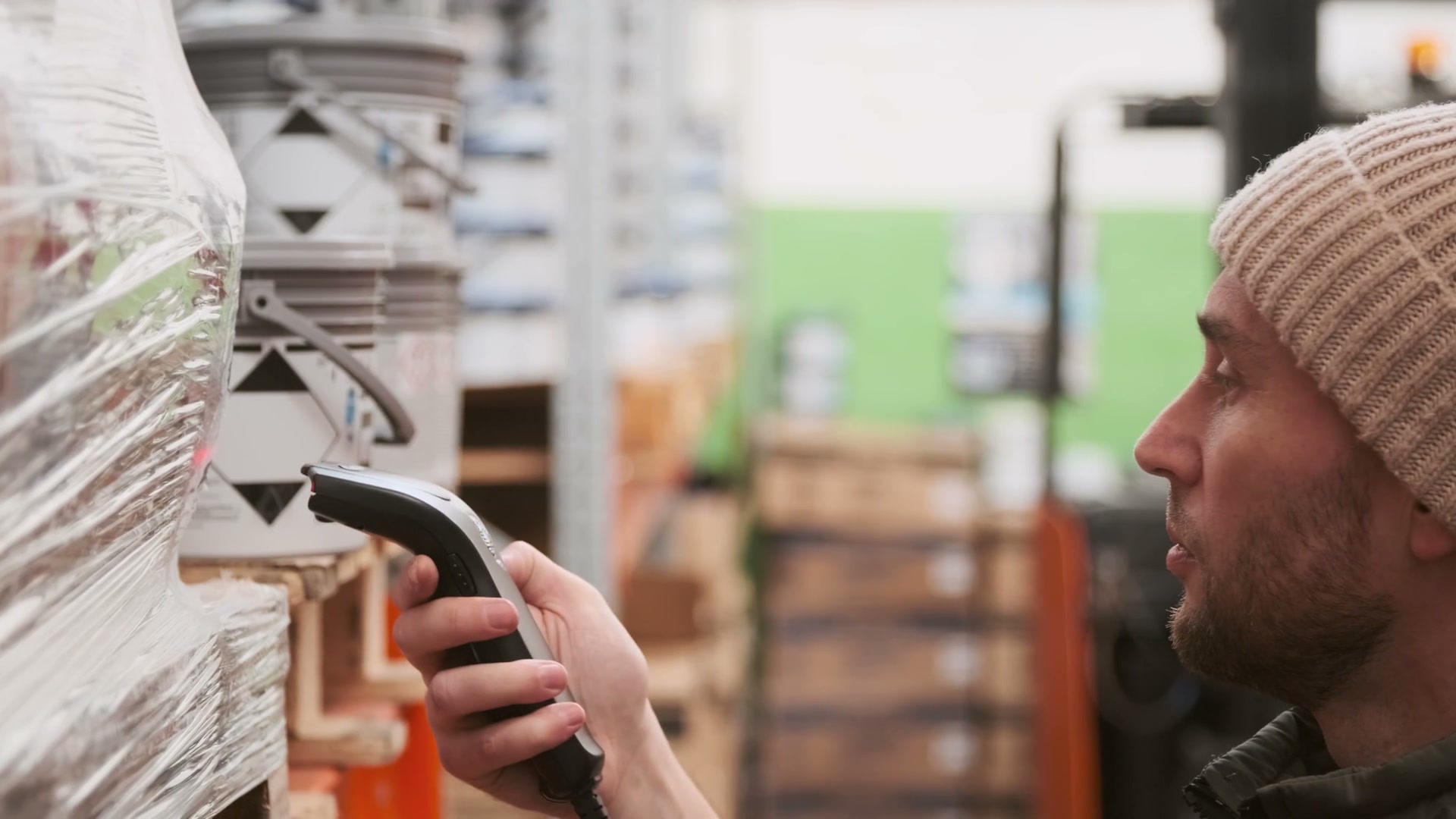
Receiving, put-away, picking, packing, shipping, and cycle count put different demands on the device, scan range, accessories, and network. Defaulting every role to one handheld class looks efficient on the purchase order and pushes the mismatch onto the floor, where it turns into slow scans, borrowed devices, and a spare drawer nobody planned.
We start with the workflow, then write how each transaction reaches the warehouse management or enterprise system without a desktop. Your existing system is the integration target, not something to replace. The scope connects hardware, fleet software, staging, spares, and optional power so every step of the rollout has an owner before the first wave goes live.
Stack used here
| Layer | What we supply |
|---|---|
| Job | Warehouse management system (WMS) / enterprise resource planning (ERP) you already run |
| Hardware | Rugged handhelds, scanners |
| System class | Automatic identification and data capture |
| Software | Mobile device management (MDM), fleet insights |
| Power (optional) | Site energy project and/or S Series for weak-grid or overflow sites |
| Delivery | Staging, acceptance, handover, and agreed support |
Workflow map
| Workflow | Typical hardware | Software |
|---|---|---|
| Receiving | Handheld or scanner, mid-range scan, printer pairing | MDM; WMS receiving |
| Put-away / replenishment | Handheld or vehicle-mount class, long-range if high bay | MDM |
| Picking | Form factor follows the pick face | MDM kiosk to WMS |
| Pack / ship | Pack bench scanner or handheld, printer | MDM |
| Cycle count | Same family as pick, spare pool for peak | Fleet insights on completion rate |
This table shows the scoping method. It is illustrative and does not describe a completed customer project.
Related: Logistics industry · Enterprise mobility · Hardware + software
FAQ
Can this run across multiple warehouses?
Yes, if we write the differences down. Shared MDM and a shared device family are the usual start. Local WMS versions go in the site appendix.