
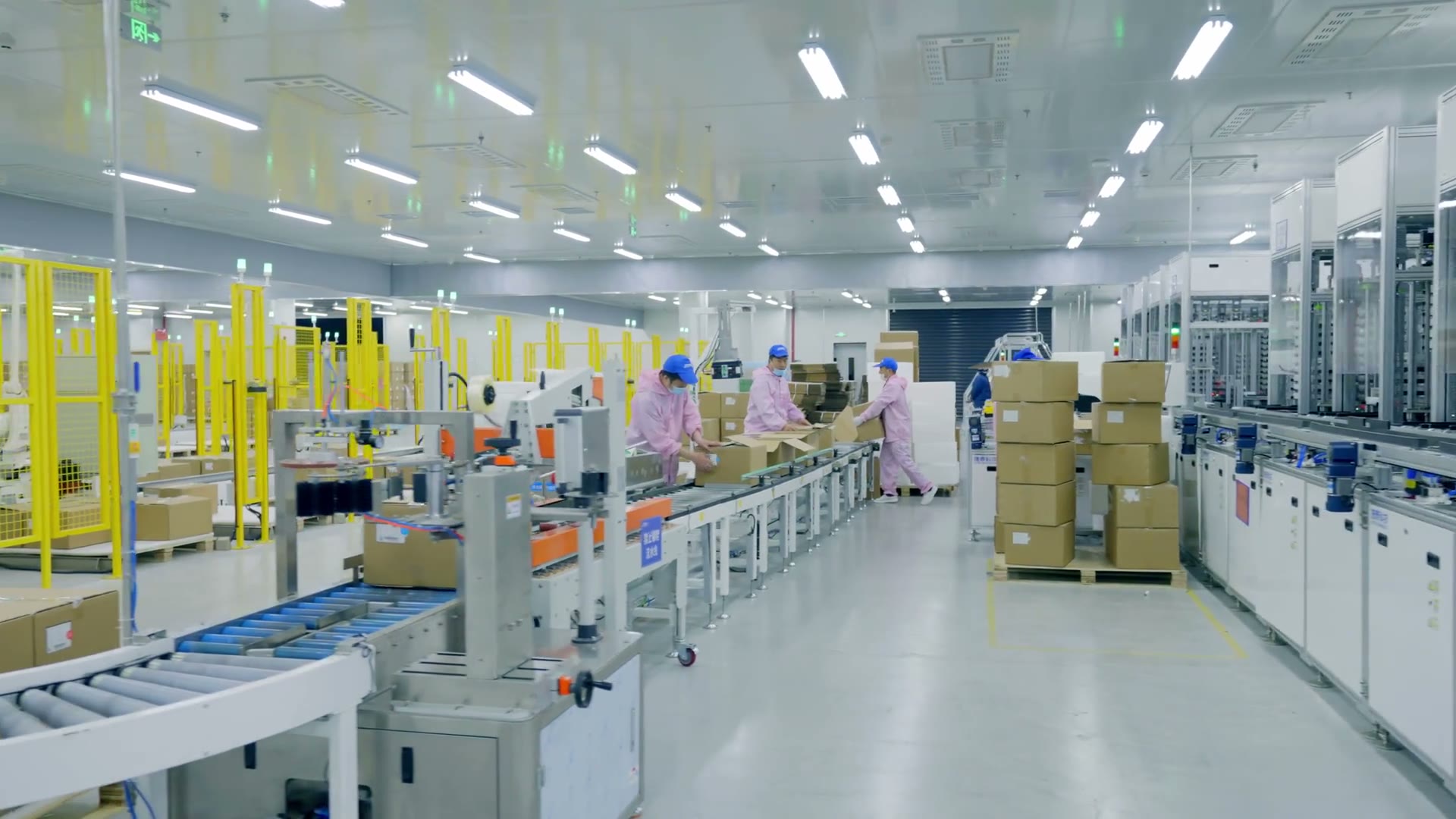
Start with the workflow. Receiving, picking, freezer counting, and yard work put different demands on the device, the network, the accessories, and the support plan — and a warehouse mobility project is really a workflow project. Devices are how the work gets done without a desktop.
This page is written for the operations manager who owns throughput and the systems owner who has to keep a warehouse management system (WMS), a wireless network, and a device fleet agreeing with each other across sites.
What each workflow demands
Receiving
- What we need to know
- Label types, advance ship notice (ASN) vs blind, dock count
- Typical system pieces
- Handheld or wearable, mid-range scan, printer pairing
Put-away / replenishment
- What we need to know
- Location scheme, vehicle use
- Typical system pieces
- Handheld or vehicle mount, long-range if high bay
Picking
- What we need to know
- Discrete, batch, cluster, or voice
- Typical system pieces
- Form factor and scan range follow the pick face
Pack / ship
- What we need to know
- Carton vs pallet, compliance labels
- Typical system pieces
- Pack bench, printer, verifier if required
Cycle count
- What we need to know
- Full vs ABC, freeze rules
- Typical system pieces
- Same device family as pick, spare pool for peak
Illustrative. The list shows how we scope a warehouse mobility project. It is a method, not a description of a completed customer project.
Multi-site. One enrollment tenant, one accessory kit, and one training pack scale across sites. Different wireless networks, different WMS versions, and different receiving rules do not. Tell us which of those you have and they go in the site appendix rather than into the rollout as a surprise.
Where we take a position
We will not specify wireless wide area networking (WWAN) for every user to hide a warehouse radio-frequency (RF) problem. Mobile data on every device can hide a coverage gap until failed scans show up in the same places. If the building needs an RF design, we say so and price the design.
The same discipline applies to the pick face. A picker at arm’s length and a yard clerk reading a trailer number across wet asphalt are not the same specification, and standardizing them into one model usually reappears as breakage and a second purchase.
What you get first
Before any hardware moves, the useful deliverable is a written scope: device class per workflow, the WMS interface and its owner, the coverage question answered honestly, the accessory and spare plan, the rollout wave order, and who signs acceptance at each site. That document is what makes the rest reviewable.
Which page you want next
Rugged handhelds and barcode scanners are the equipment classes most of this work runs on. Enterprise mobility holds the design decisions for this environment: device class, capture type, power and spares, the application the user opens on day one. Systems integration is where the WMS interface and its owner get written down, and deployment and support is where staging, rollout waves, spares, and the return path get agreed. The warehouse turnkey stack assembles the hardware, mobile device management (MDM), deployment, and the agreed support boundary into one named scope.
Next step. If sites, quantities, and workflows are known, Request a Quote and we will tell you which inputs are still missing. If the WMS interface or the coverage question is still open, Book a Meeting first — those two decide most of the rest.
FAQ
Can an enterprise mobility project be deployed across multiple warehouses?
Yes, if we write the differences down. Shared enrollment and a shared device family are the usual starting point. Local exceptions go in the site appendix.
Do you integrate with our WMS?
We integrate to the interface you own. If there is no interface, the first deliverable is a method, not a truck of devices.
Wi-Fi or mobile data?
Inside the building, designed Wi-Fi. Yard, trailer, and overflow work almost always need wireless wide area networking or a spare network name plan for those areas. Where the building itself needs a radio-frequency design, we price the design rather than covering the gap with mobile data.
Where do we start if peak is close?
Start with the spare pool and the two workflows that stop the shift. A partial rollout that survives peak beats a complete rollout that arrives after it.